
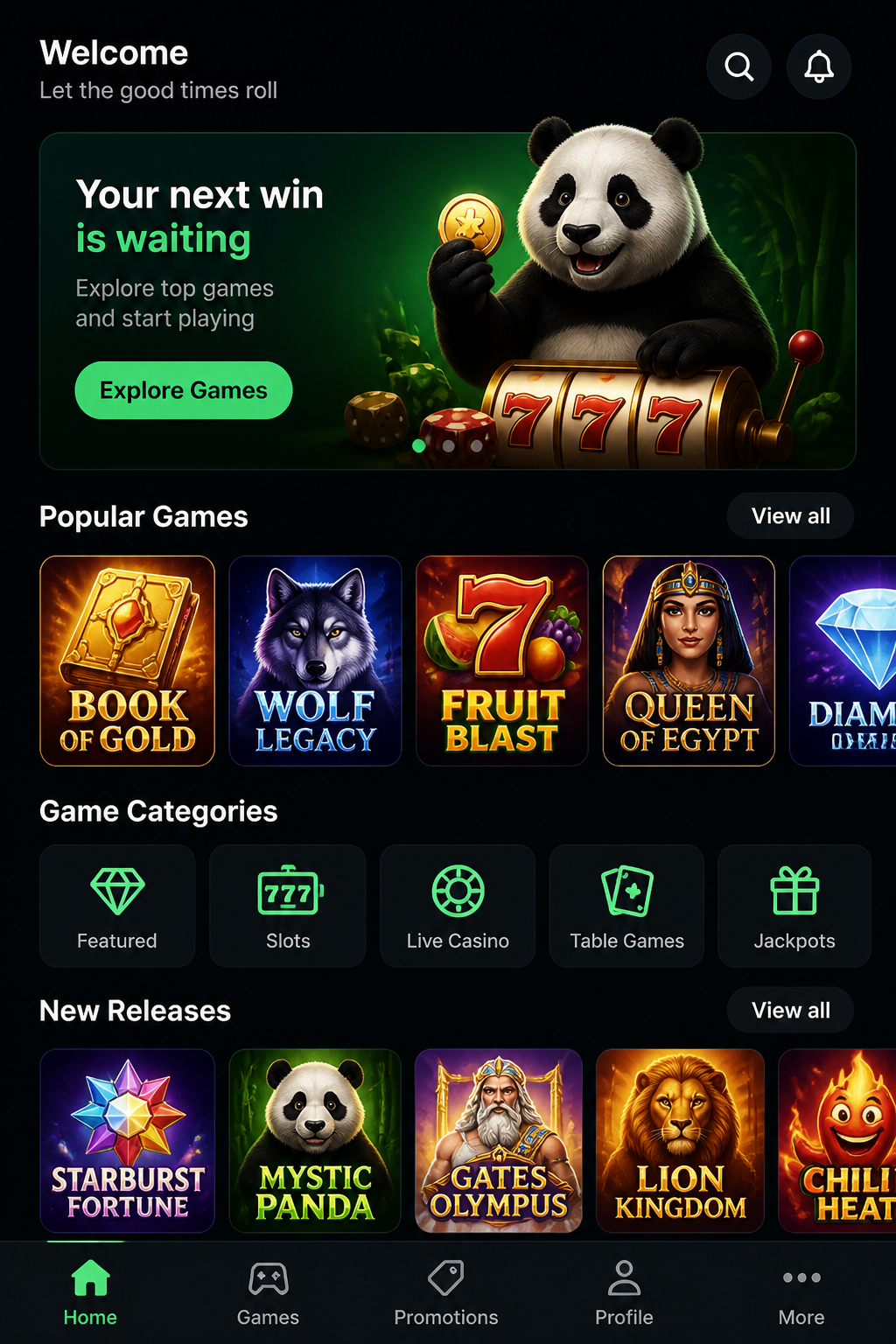
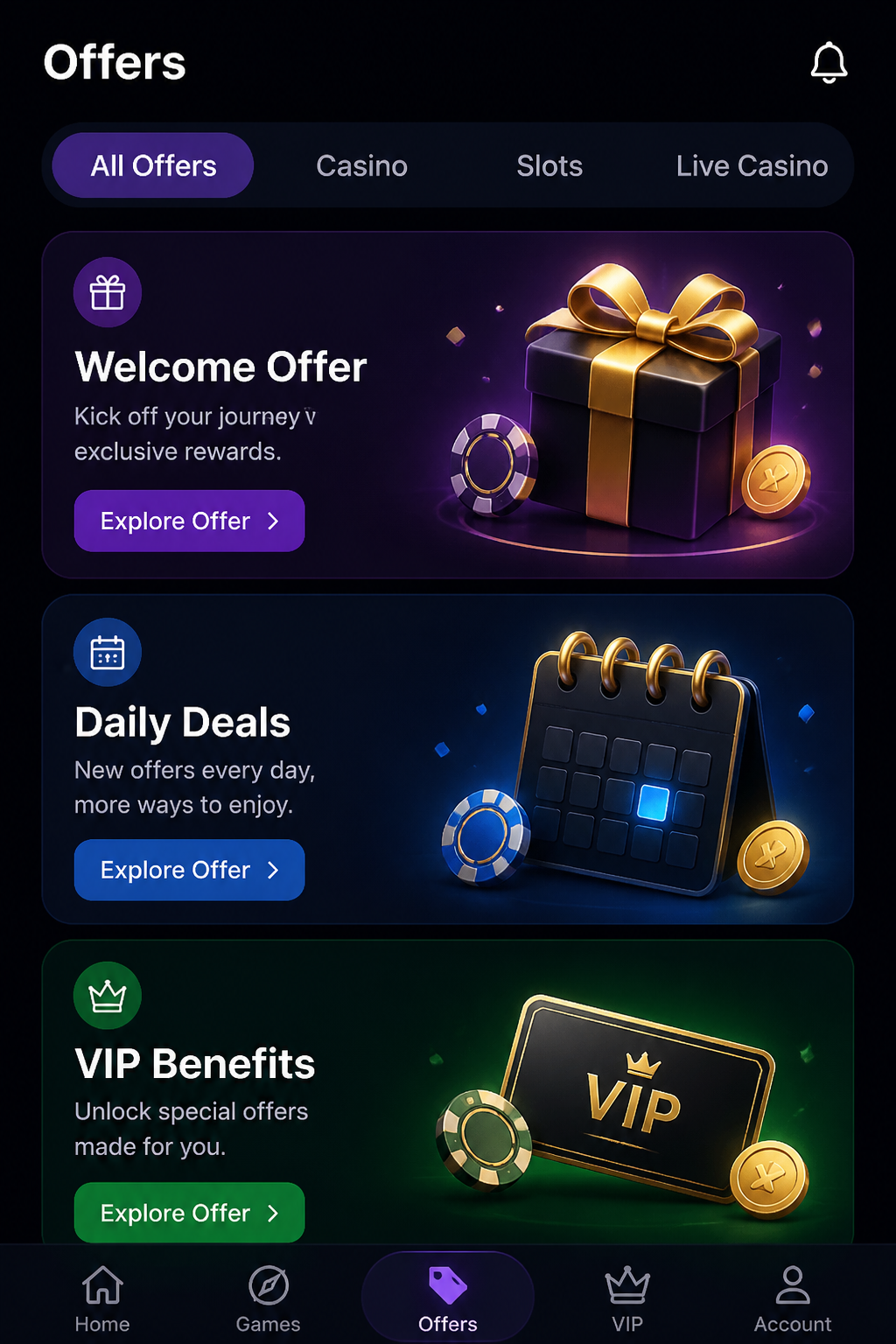
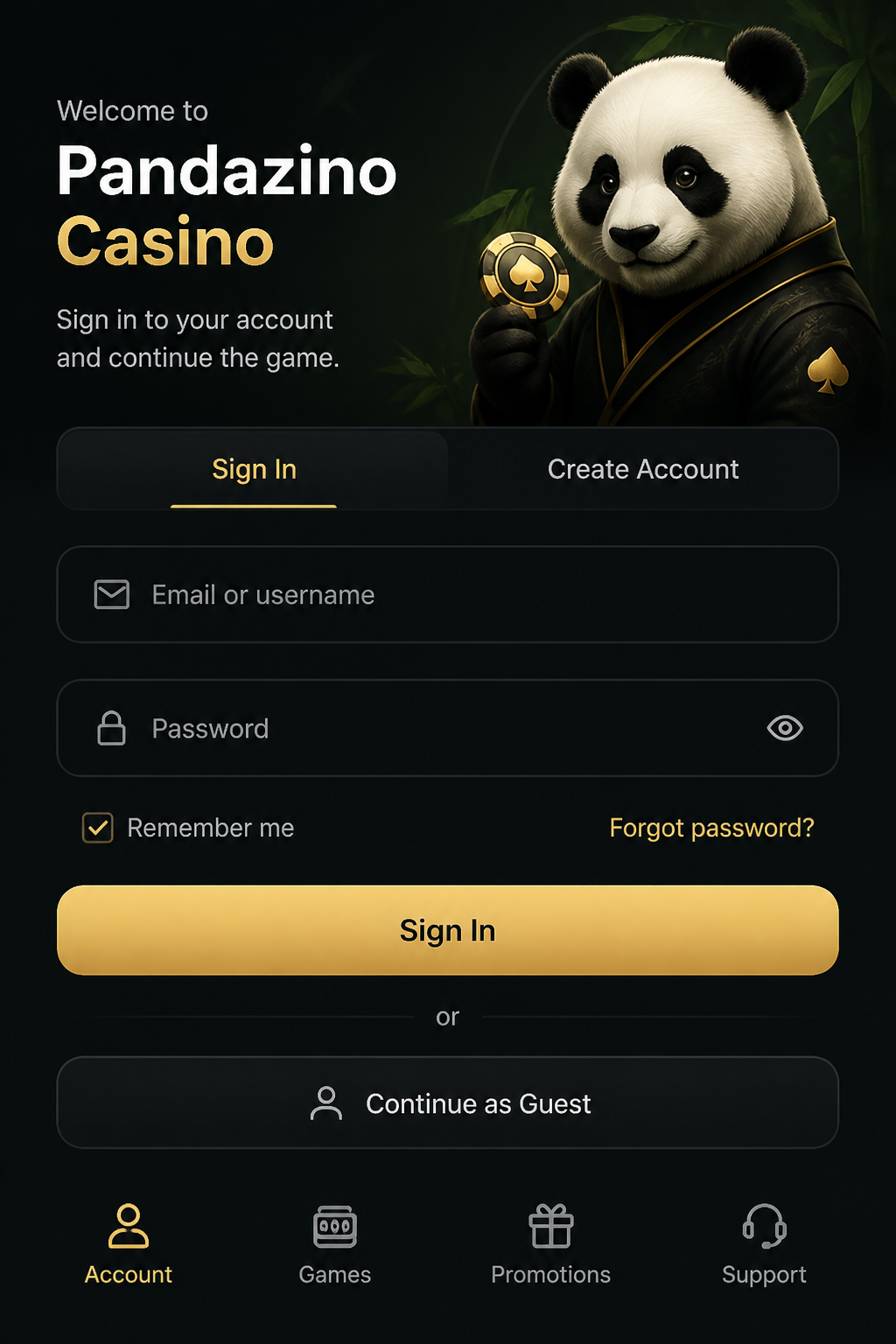
When accessing Pandazino Casino on mobile, the first question is whether the website is usable on the phone already in your hand. Open it in an up-to-date browser and look at navigation, font size and button spacing. Bonus and payment terms should remain readable without sideways scrolling. A polished landing screen means little if important conditions disappear on a narrow display. Focus on less prominent areas such as help, account information and the cashier.
An independently verified standalone Pandazino app download has not been established here. Do not trust unrelated advertisements offering an installation package. Mobile browser access and an official installed application are different things.
What responsive design should actually do

A responsive casino page should adapt to a narrow screen without overlapping text or controls. Information tables must remain inside their content column, and long payment names should wrap rather than disappear. Forms need to stay visible when the virtual keyboard opens. Check whether important details can be read with the phone held vertically, because users should not have to rotate a device for every financial step. Poor layout is not merely cosmetic; it can contribute to tapping the wrong amount.
View the same page in portrait and landscape. Awkward horizontal scrolling, hidden confirmation buttons or truncated terms are good reasons to postpone an account action.
Browsing does not require an installation

Opening a casino through Chrome, Safari or another modern browser is not the same as installing software. A home-screen shortcut can make a website easier to reach, but it does not turn that shortcut into an independently verified store app. Android installation files require careful scrutiny of their source and permissions. On iPhone, configuration profiles and unfamiliar installation routes can present similar concerns. This guide provides no download link because the official app status has not been confirmed.
For ordinary research, a browser is sufficient. Do not approve unnecessary notifications or permissions for the camera, location or device storage merely because an unfamiliar package requests them.
| Access | Mobile browser on iOS and Android |
| Standalone app | Not independently verified |
| Security | Avoid untrusted downloads and permissions |
| Controls | Check small-screen readability |
| Cashier | Confirm account-specific payment options |
| Sessions | Protect sign-in details and time limits |
How touch controls change the experience

A game that looks clear on a laptop may be awkward on a touch screen. Slot stakes should be legible before a spin control is pressed. Live-table options and limits should be spaced far enough from unrelated buttons. Explore the screen without wagering where possible; a real-money round is not necessary to assess whether text and controls are readable. Also check that pop-up menus do not obscure confirmation areas.
An accidental tap can have financial consequences. Take time to confirm amounts, and avoid controls that behave unpredictably on your device. Mobile convenience should never come at the cost of understanding what is being selected.
Signing in on a shared phone
Not every phone belongs to a single person. On a shared device or borrowed tablet, avoid saving passwords automatically and sign out when finished. Check whether a browser retains an old session after navigating away. Do not enter account details through a link received from an unfamiliar chat message. If optional security features appear, read what they do before enabling them; no particular two-factor feature is claimed here for Pandazino.
Public Wi-Fi can introduce another consideration. A trusted connection is preferable when dealing with identity information or payments. Safe access starts with the correct website address and careful control over the signed-in session.
Notifications and your attention
Mobile notifications can help communicate routine account events, but promotional alerts may also create unwanted pressure. Review which notifications the browser or account asks to send, and disable anything unnecessary. A reminder about a bonus is not an obligation to play today. If you have set time and spending boundaries, alerts should not override them. A quiet phone can be a useful way to keep control over when the website receives your attention.
Distinguish essential security messages from marketing prompts. Permission for advertising notifications should not be treated as a condition for reading ordinary website information.
Using a cashier on a small display
On a mobile cashier, the amount and conditions matter more than how quickly a button can be reached. Check the currency, any fees and the selected payment route. Cards and digital wallets are common internationally, but Pandazino account availability cannot be assumed from their popularity. Look for hidden checkboxes and understand whether a deposit activates a promotion. Deposits and withdrawals may follow different steps and use different methods.
Do not authorise a transaction if the confirmation screen is unclear. Taking an extra moment to verify the amount is easier than attempting to resolve an incorrect payment or an unwanted promotional selection afterwards.
Handling a frozen game screen
If a game freezes, avoid repeatedly tapping spin or confirmation. First determine whether the connection is active and whether the page is simply responding slowly. An action may already have reached the server while the phone still shows an earlier animation. Record the approximate time, game name and on-screen message where possible, without exposing private account information. If the result is unclear, contact the verified support channel before placing another wager.
Forcing the page to reload does not automatically resolve an account balance discrepancy. Check any available transaction or game history to establish what was actually recorded rather than relying on the last visible animation.
Data, battery and connection stability
Live video, animated games and multiple overlays can use considerably more mobile data than a normal text page. That matters on a restricted data plan. Actual consumption depends on the device, connection and specific game, so an invented data-per-hour figure would not be useful. Notice whether the phone becomes hot or a demanding page drains the battery quickly. An unstable connection is frustrating, especially during payment screens or active games.
Avoid trying to complete a sensitive account action under poor network conditions merely because it feels urgent. A stable environment matters more than constant access while travelling.
A realistic mobile conclusion
Mobile convenience comes down to readable information, safe sign-in, clear stake controls and a cashier that does not hide material details. Pandazino can be examined through a browser; this guide does not promise a verified standalone application. Assess the current service yourself and avoid software distributed by unknown sources. A smooth interface can be convenient, but it is not proof of licensing or favourable financial conditions.
Choose in advance when the phone goes away. The ability to access a gambling website from almost anywhere should not become a reason to spend more time or money than planned.
Browser updates and privacy controls
An up-to-date browser improves more than the appearance of games; it also carries security fixes. Keep the device and browser maintained, and review extensions that modify payment screens or page controls. Notice whether a website asks for notifications, camera access or storage permissions. Most ordinary informational pages do not need broad device access. Unfamiliar installation prompts deserve additional scrutiny, particularly when they come from advertising.
A password manager can help identify a previously used web address, but it does not replace checking the address bar. Enter account credentials only on a site you intentionally opened and verified.
Orientation and accessibility
Some games work better in landscape orientation while others are designed for portrait viewing. Check that proportions remain sensible and that stake controls, menus and close buttons stay visible. People using larger text or accessibility settings should still be able to read essential information without content disappearing. A financial action should not be communicated only through colour or a tiny icon. Much of this can be assessed without placing a wager.
If a game or cashier becomes unreadable under your accessibility settings, do not force a payment. Accessible design should support understanding, not merely make a page visually appealing.
The convenience trap
A smooth mobile menu can make frequent casual visits feel effortless. It helps to distinguish opening a site for information from actively gambling. Reading the terms does not need to lead to a deposit. Consider a timer if short visits regularly become long sessions, and disable promotional notifications when they prompt unwanted returns. Mobile availability may be convenient technically, but control over time and money remains a personal responsibility.
A home-screen shortcut brings a gambling website within easy reach. Removing that shortcut may be helpful if it encourages impulsive visits beyond a predetermined plan.
Putting usability ahead of speed
Good mobile usability makes important actions understandable, not merely fast. Users should be able to navigate back without accidentally confirming a stake, error messages should make sense and balance changes should be clearly identified. Check whether the account provides a history that helps reconstruct what happened. When the interface behaves confusingly on your device, stop and consult the verified help resources rather than experimenting with additional transactions.
Pandazino mobile convenience should not override questions about licensing, promotion conditions or withdrawal rules. An attractive interface and a dependable financial process are separate considerations.